




Rangliste



Beliebte Inhalte
Inhalte mit der höchsten Reputation am 01.06.2021 in allen Bereichen anzeigen
-
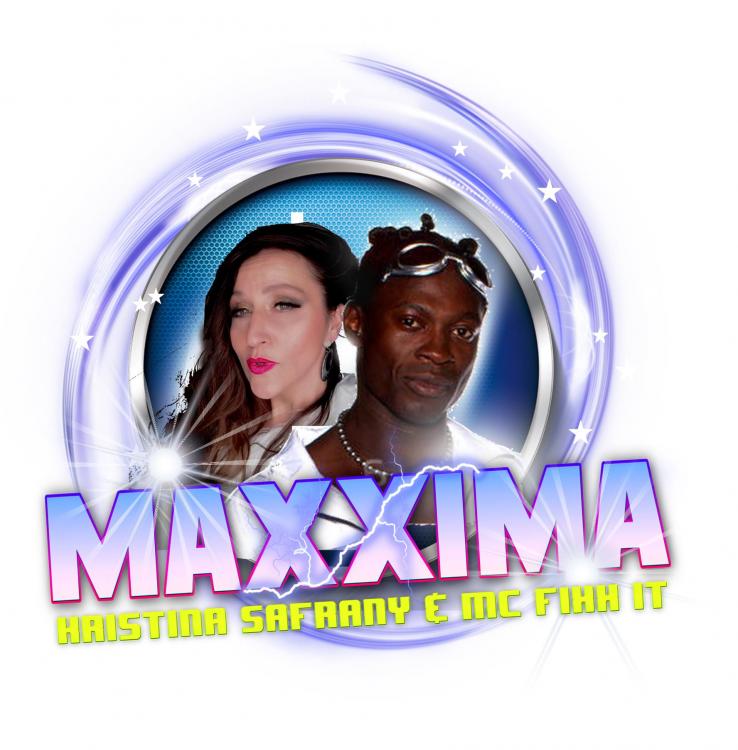
Auch das neue Album NO REGRETS, produziert von einem Teil des CAPPELLA Teams (ANDY STEAD mit RICARDO OVERMAN von CAPPELLA/ANTICAPPELLA), klingt wieder verdächtig nach CAPPELLA. Hier kann man schon mal reinhören. https://www.facebook.com/TheofficialMaxxima/videos/1415540318801172/ VÖ: Im Sommer 2021
 1 Punkt
 -
Der DJ Ross Remix von "O-Zone / Haiducii - Dragostea Din Teï" nutzt den selben Synth wie Gigi's Put On Your Red Shoes Remix.1 Punkt
-
Stefan Egger - Pioggia e Sole 2010 -------------------------------------------------- • Gigi D'Agostino - Pioggia e Sole 2008 Dj Stefan Egger - CD 248 Woodstock 2010 - auch unter YouTube hörbar als Afro - Pioggia e Sole1 Punkt

Diese Rangliste nutzt Berlin/GMT+02:00 als Grundlage