




Rangliste
-
hlennarz
Moderatoren1Punkte3.437Gesamte Inhalte -
DJ Maldestra
Moderatoren1Punkte1.051Gesamte Inhalte -
kazin
Mitglieder1Punkte1.420Gesamte Inhalte -

Sottosopra
Administratoren1Punkte5.819Gesamte Inhalte




Beliebte Inhalte
Inhalte mit der höchsten Reputation am 16.03.2019 in Beiträge anzeigen
-
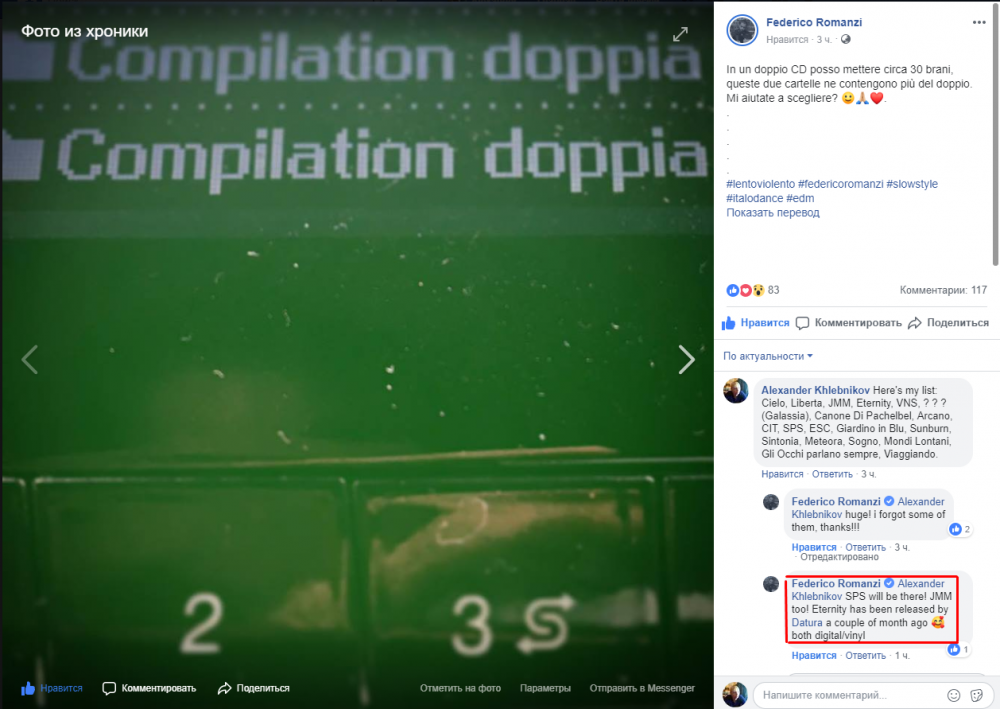
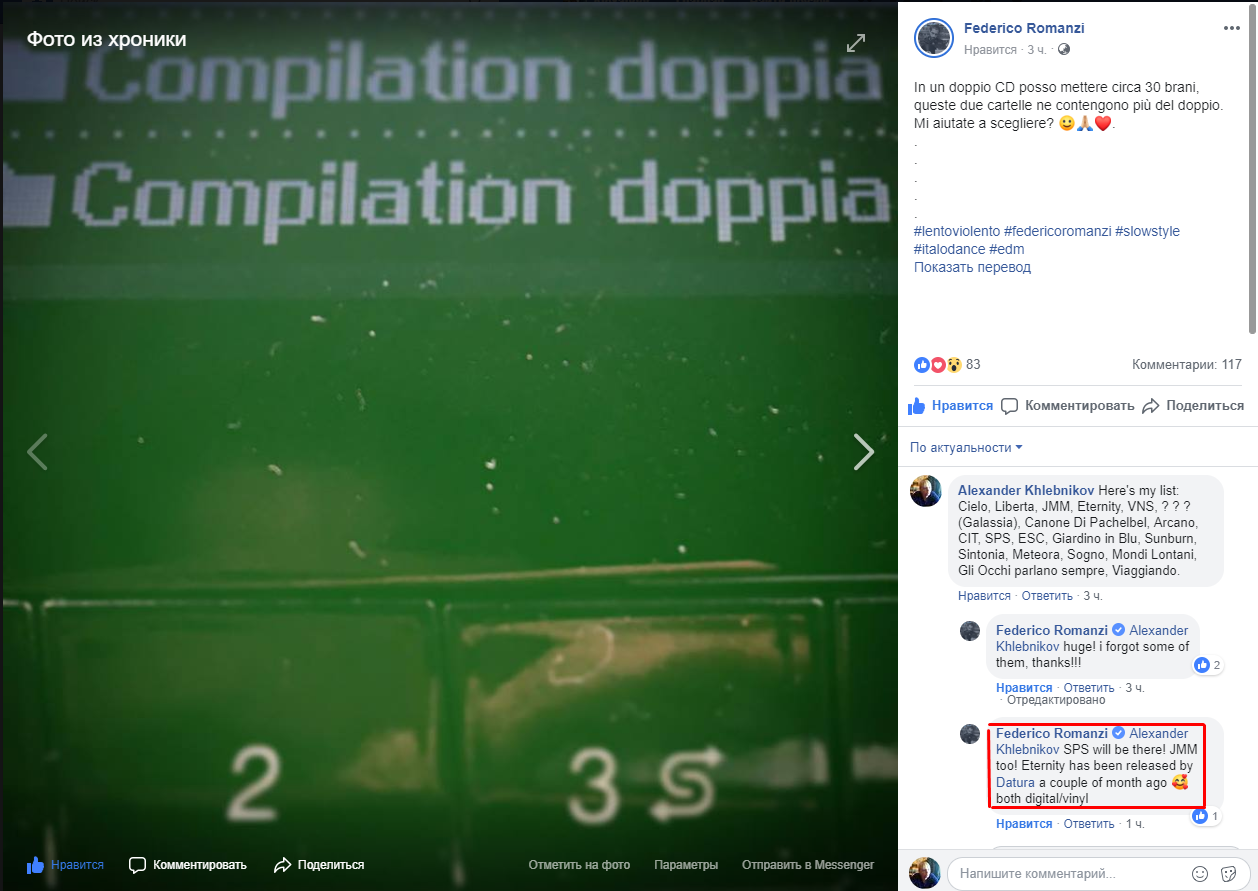
Federico Romanzi is planning to release 2CD-compilation of his tracks... And asking for help to fill the tracklist: Also, we now know that there will be SPM and JMM from Istinti Sonori/We Are Spaghetti Trip Set!
 1 Punkt
 -
1 PunktAs DHF previously, brilliantly, stated, you can hear the same harmonies in very, very, very many songs. Like Faded by Alan Walker. However this doesn’t mean anybody is copying anybody. Similarities can be heard in everything. Otherwise you can go on and say “Mondello copied Bla Bla, and Bla Bla copied Huh” all the way back to the stone age. If this is the basis it’s a very thin argument. I dropped a cd with some of my music years ago at a Gigi Live. So I claim now that Lentonauta is made by me and Gigi stole it!1 Punkt
-
1 Punkt
Diese Rangliste nutzt Berlin/GMT+02:00 als Grundlage