




Rangliste
-
henk_jan
Mitglieder2Punkte1.102Gesamte Inhalte -

Sottosopra
Administratoren1Punkte5.823Gesamte Inhalte


Beliebte Inhalte
Inhalte mit der höchsten Reputation am 10.09.2022 in allen Bereichen anzeigen
-
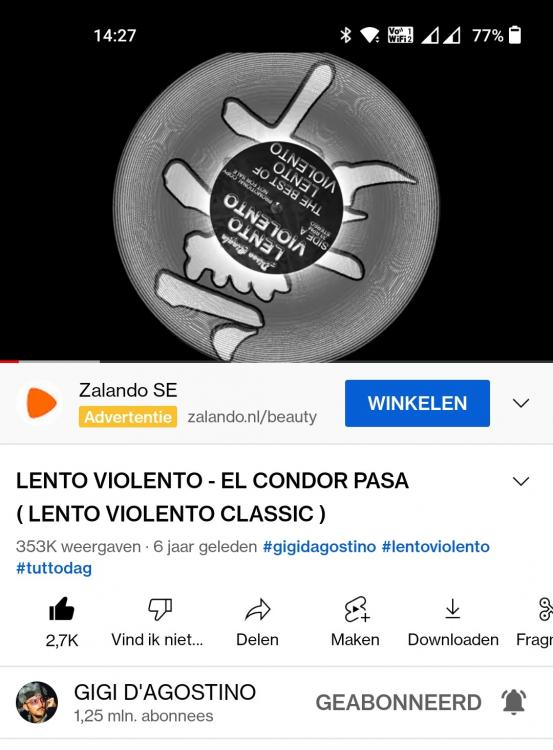
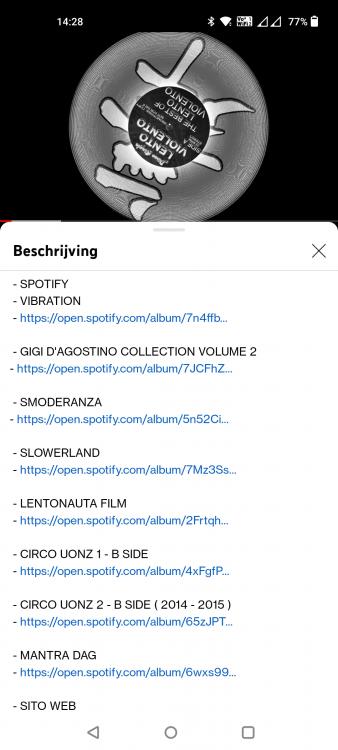
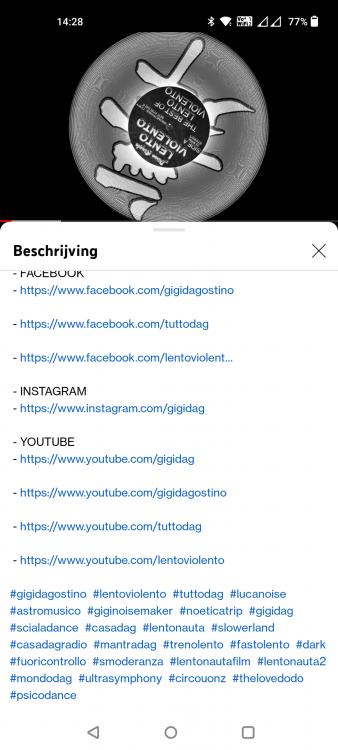
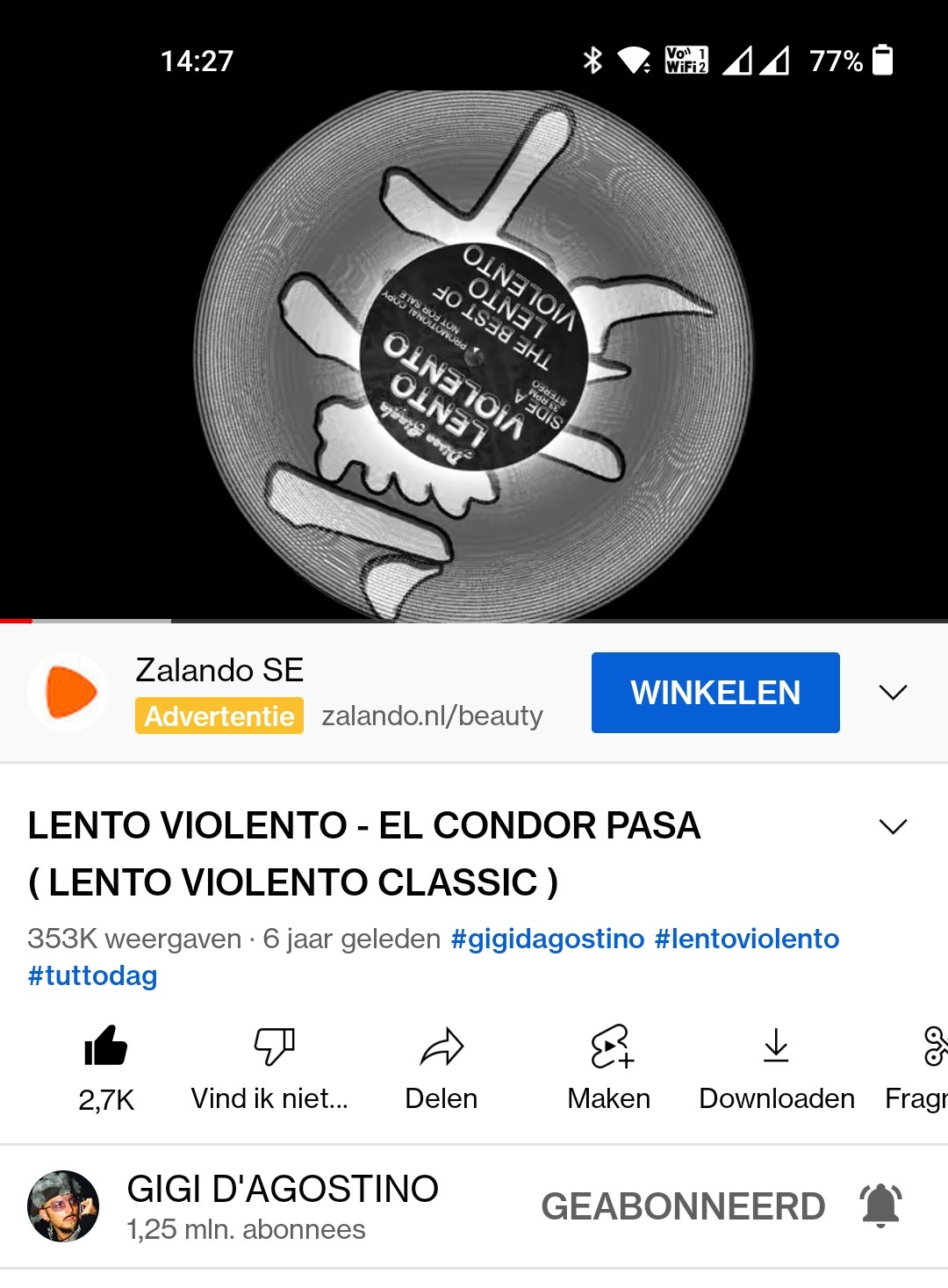
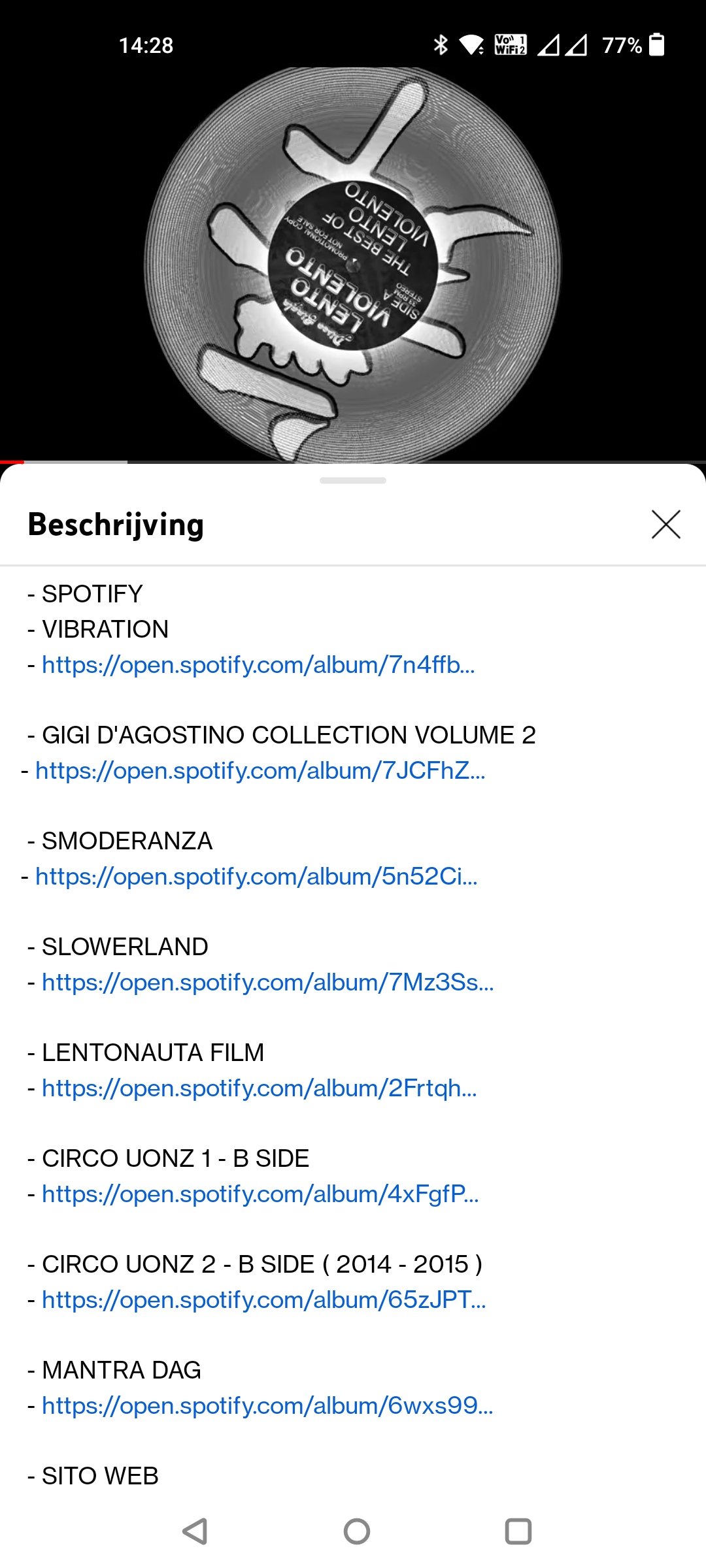
Allright, so I did a bit of digging into Gigi's YouTube account, and I found some interesting details. Those details suggest some upcoming release Imo Again I was triggered by some edited artist an track titels, like the fact everything is written in capitals. After those founds I decided to check out the description and it seems that they have been updated recently as well. for example some hashtags are added as well as links to the most recent releases. See the list with videos below, I have added some screenshot, so you can see it yourself. Just for the record, this is all speculation and based on a theory that seems to be correct in the past... First "El Condor Pasa" "Gigi's Time" "Make it work" "Radici Dag" "Cerimonia"
 2 Punkte

Diese Rangliste nutzt Berlin/GMT+02:00 als Grundlage