





tbg
-
Benutzer seit
-
Letzter Besuch
Beiträge von tbg
-
-
-
All the songs are interesting. I'd like to highlight:
Father, Blah blah blah, Like a Flowing Boat, The Way, and Words of Love, the best so far and my new favorites.
-
 1
1
-
-
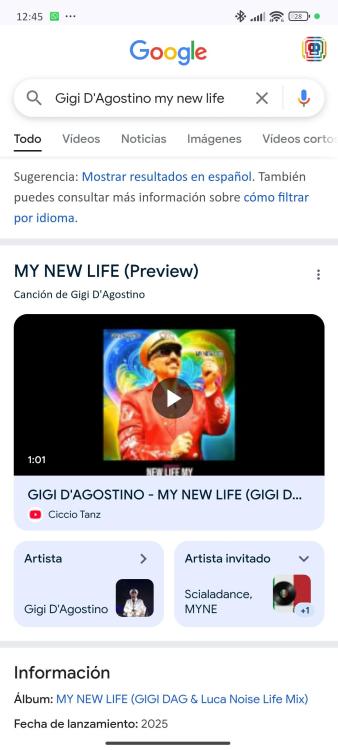
It's curious to me to see Scialadance as featured artist (according to Google) on this new single. Also MYNE 🤔
-
Bearbeitet von tbg
https://youtu.be/xFFpzpPMKRw?si=oG-JIml0Qs8dEdUc
Gigi D'Agostino & Luca Noise - Joyful ( Strong and Happy Gigi Dag & Luc On Mix)
It reminds me of Roberto Molinaro's Noise Maker Theme
Next track
-
2
-
-
The song can be purchased at Qobuz.
Is it a good place to buy songs or do you recommend another site?
-
Bearbeitet von tbg
-
2
-
-
-
-
Bearbeitet von tbg
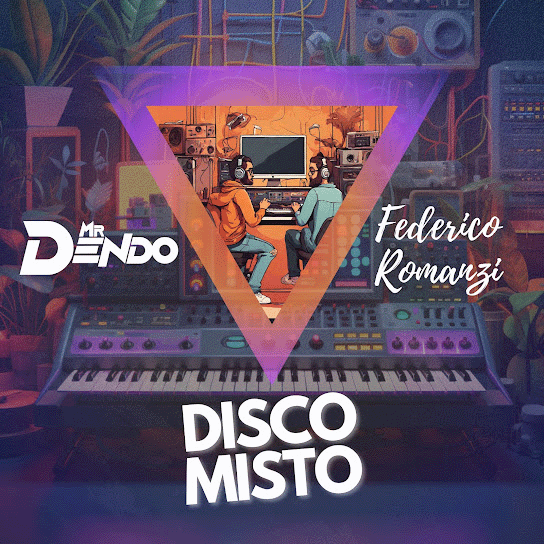
Mr Dendo and Federico Romanzi - Disco Misto
https://music.youtube.com/playlist?list=OLAK5uy_mzlB98yjaATWhstUoBVS6zqF5Ysg7hyLw&si=DraF8sOqett1K-X6
https://open.spotify.com/intl-es/album/58zyjK6d1461Fz5HbGCUuL?si=0tmhMNMrSsCc62QiB-vq8QNothing new, the tracks were previously released. 😔
-
2
-
-
-
-
1
-
-
Bearbeitet von tbg
https://federicoromanzi.bandcamp.com/track/world
So far, the "unreleased" songs are not that unreleased. At the moment the songs have been published in one way or another by himself.
-
1
-
-
Saying that this is from Gigi is like saying that Edoardo Bennato released the remix of Un Giorno Credi.
-
vor 7 Minuten schrieb FrankoDAG:
I have the 17min "live Instagram" video.
Can i upload here?
Maybe you can send a link from youtube or another streaming site
-
Bearbeitet von tbg
https://www.youtube.com/watch?v=9RJHjR6IgpI
Gigi D'Agostino & Luca Noise - Lentanova (Lento Violento & Astro Musico Mix)
-
-
Bearbeitet von tbg
GIGI D’AGOSTINO & LUCA NOISE - SUONI DEL SOLE (LENTO VIOLENTO & ASTRO MUSICO MIX)
-
-
 1
1
-
-
vor einer Stunde schrieb kazin:
I still can't watch Mr Dendo Year Mix because of this:
Video unavailable
It contains materials from the SME partner. He blocked the video in your country due to copyright violations.Anyone else have same issue?
Not me 🤔
-
-
-
Please, avoid to speak in any language than english or german. You can speak in whatever language you want by PM.
-
1
-
-
-
Bearbeitet von tbg
Sure, is the same, but you should add 1ora o 2ora 😉
For "Il cammino":
http://media.m2o.it/legacy/reloaded/gigidag/gigidag_DD_MM_YY.mp3For "Quello che mi piace":
http://media.m2o.it/legacy/reloaded/gigidag/gigidag_DD_MM_YY_Xora.mp3Where DD is the Day, MM the Month, YY the Year and X the first or the second hour.
Il cammino is since 18/07/2007 to 20/07/2009, QCMP is since 10/10/2009 to 26/12/2009.As Phil said, m2o recorded a few "puntatas" wrong (like 09/01/2008 with swapped parts or 24/01/2008, is literally cut at the beggining or others are duplicated).
-
2
-
1
-
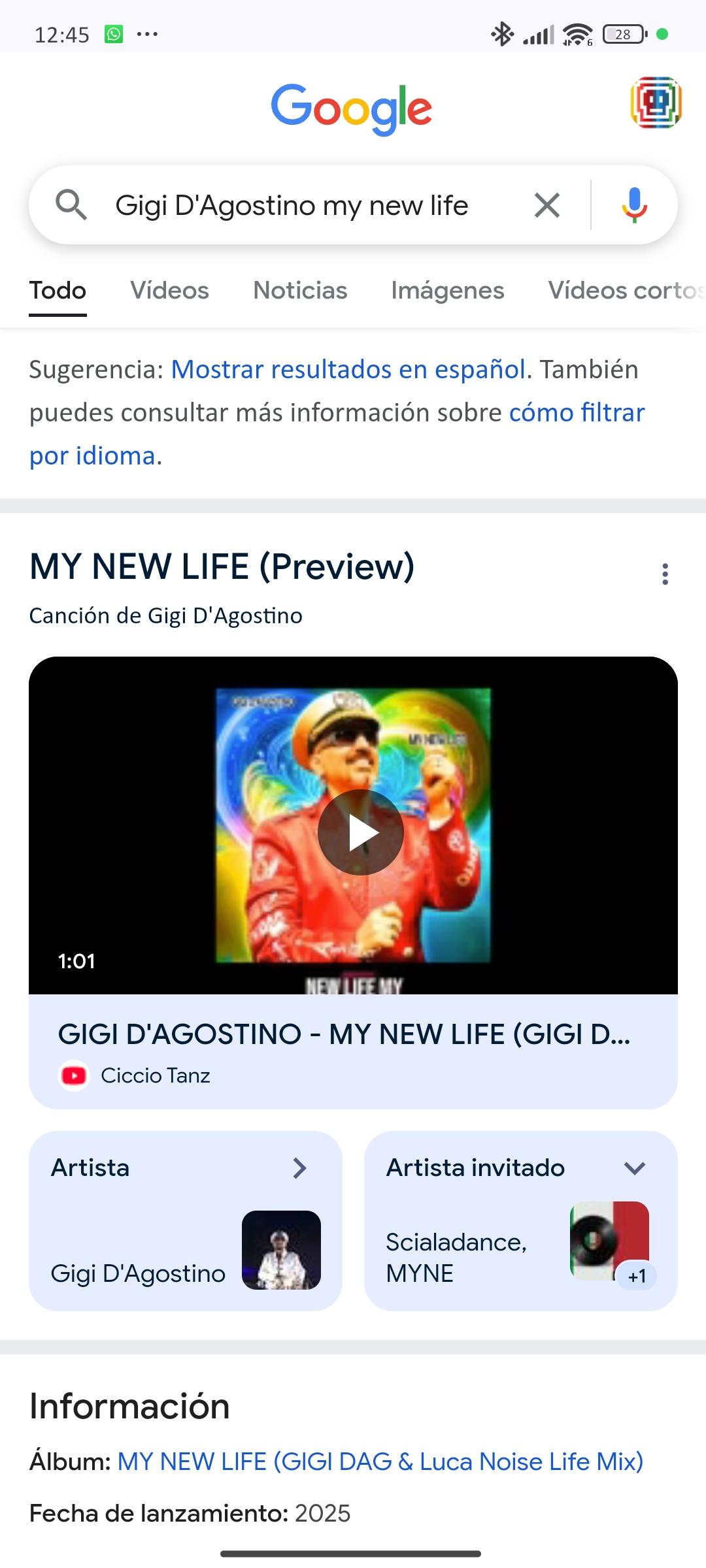

Gigi D'Agostino, Lizot & Widemode - Yo Te Daré [Single | 16.05.2025]
in The Planet Of Gigi D'Agostino
Geschrieben
Oh, it's a tipical song from Spain 😍