




Rangliste
-

Sottosopra
Administratoren7Punkte5.823Gesamte Inhalte -
Phil
Administratoren1Punkte5.654Gesamte Inhalte -
Wally44
Administratoren1Punkte9.129Gesamte Inhalte



Beliebte Inhalte
Inhalte mit der höchsten Reputation am 14.05.2024 in allen Bereichen anzeigen
-
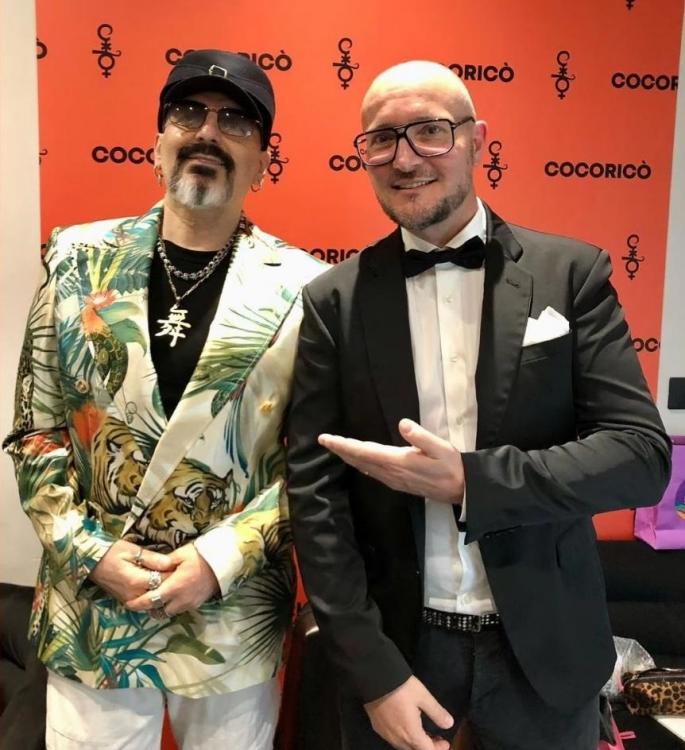
6 PunkteDie Auszeichnung gab es übrigens zum 25jährigen Jubiläum von L'Amour Toujours. Paolo Sandrini war auch dabei:
 6 Punkte
 -
1 PunktNaja, was soll er schon dazu sagen. Für ihn tut es mir sehr leid und ich finde es nicht schön, dass man da so nachgibt und LT nicht mehr in den Discos spielen möchte. Könnte der DJ, wenn die rechten Parolen zu hören sind, nicht einfach LT abbrechen und "Die Ärzte - Schrei Nach Liebe" zur Strafe spielen? Dann hört das bestimmt schnell wieder auf. 😄 Oder Gigi gibt den Album Mix mit dem 4/4-Beat frei 🤭1 Punkt
-
1 Punkthttps://www.br.de/nachrichten/kultur/wie-der-popsong-l-amour-toujours-zur-rechten-chiffre-wurde%2cUCeKq7s > Was Gigi D’Agostino selbst zur Kaperung seines Songs durch die rechte Szene in Deutschland sagt, wollten wir wissen. Eine Interview-Anfrage des BR hat er jedoch abgelehnt. Schade, da hätte mich ein Statement schon interessiert 😊1 Punkt
-
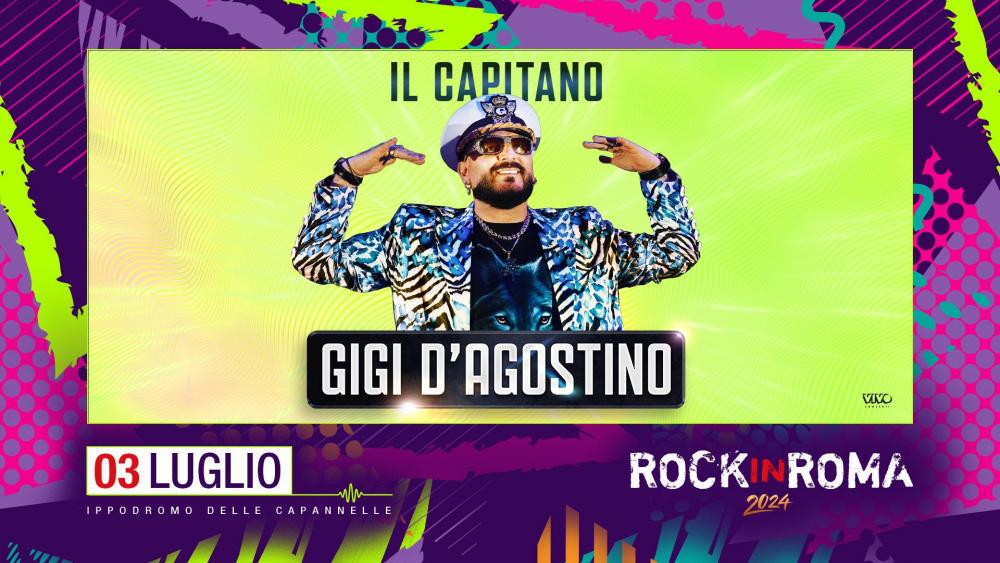
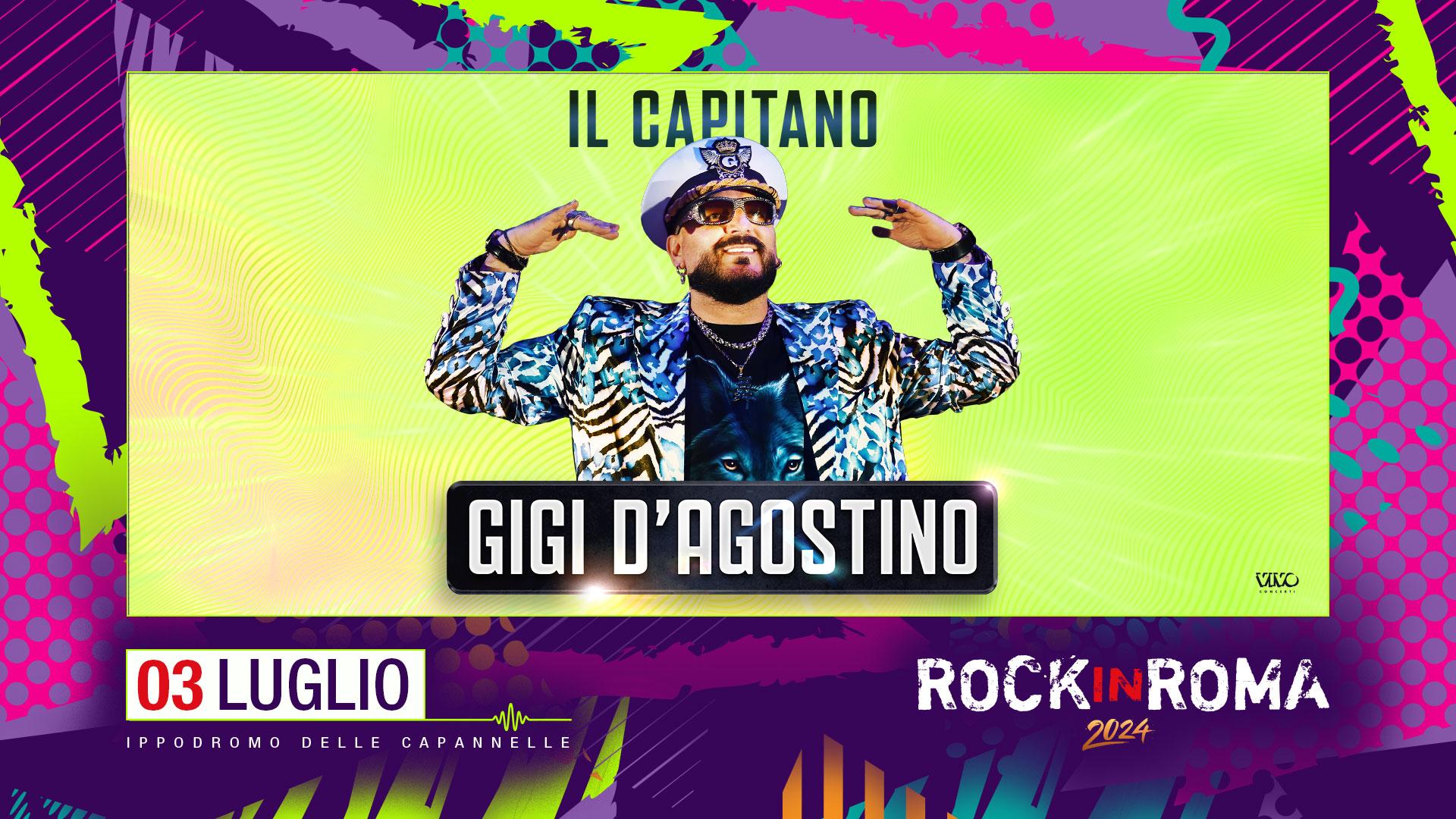
Am 3. Juli 2024 spielt Gigi D'Agostino bei "Rock in Roma". Tickets gibt es ab 15. Mai, um 12 Uhr.: https://www.ticketone.it/event/gigi-dagostino-ippodromo-le-capannelle-18682607/ Quelle: https://twitter.com/Rock_in_Roma/status/1790352383488270555 https://rockinroma.com/
 1 Punkt
Diese Rangliste nutzt Berlin/GMT+02:00 als Grundlage