




Rangliste
-
Mattl
Premium-Mitglieder2Punkte2.880Gesamte Inhalte -
Schlonte
Mitglieder2Punkte1.350Gesamte Inhalte -

Sottosopra
Administratoren1Punkte5.825Gesamte Inhalte


Beliebte Inhalte
Inhalte mit der höchsten Reputation am 12.02.2026 in allen Bereichen anzeigen
-
2 Punktehttps://www.facebook.com/share/v/1C6wesXAnr/ Tomma - Mundo Vibes Vol. 1 Release 14.02.20262 Punkte
-
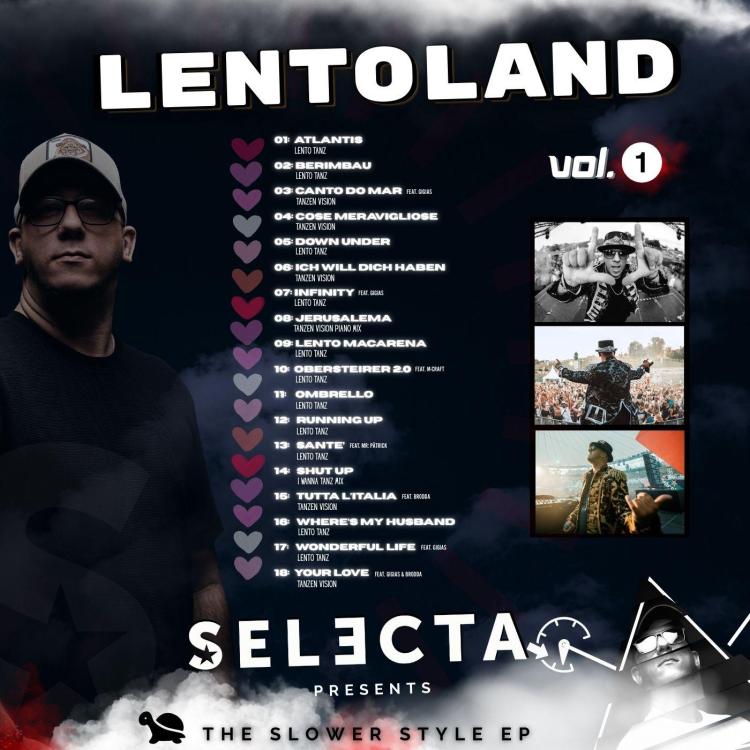
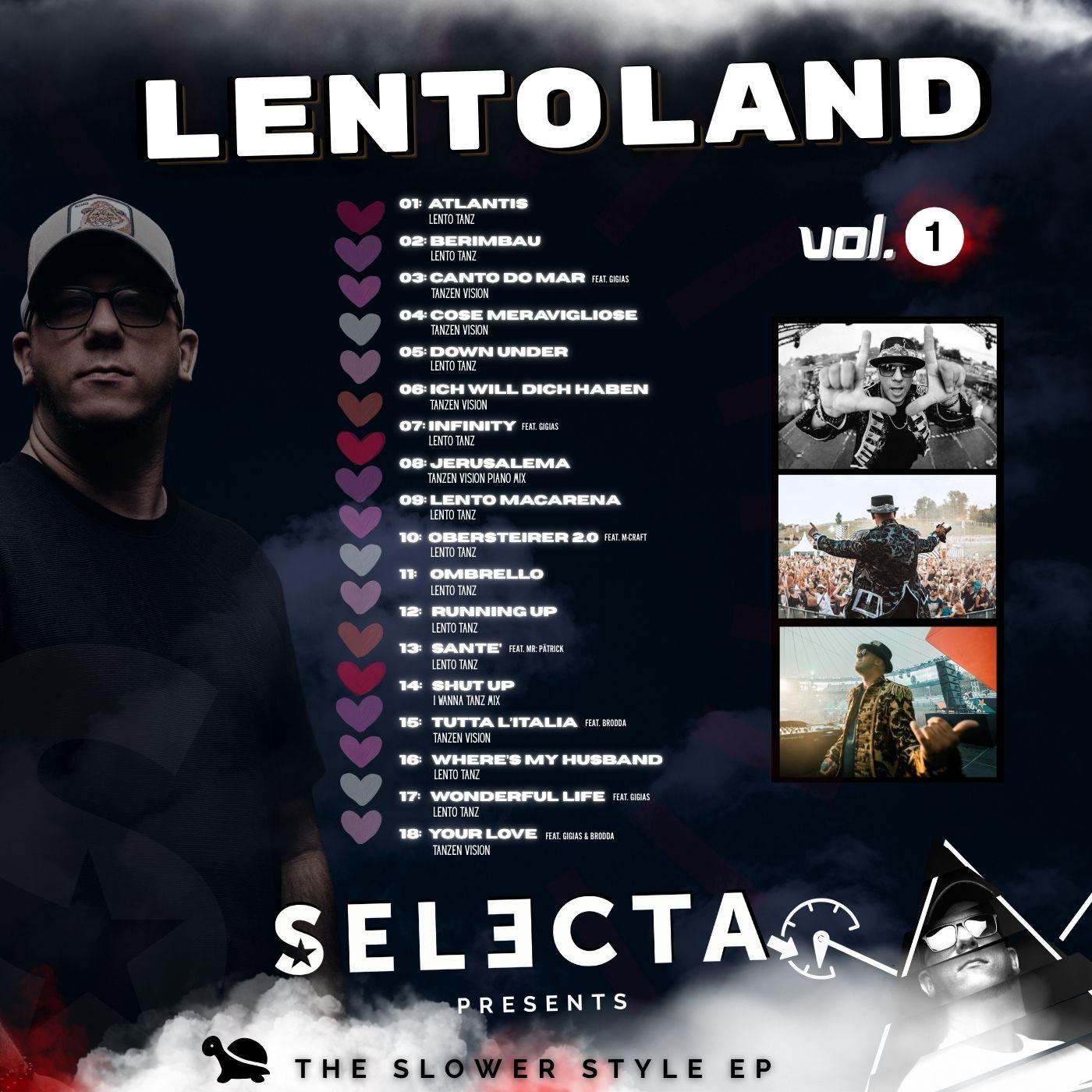
2 PunkteEndlich hat auch DJ Selecta eine eigene EP rausgebracht, mit echt feinen Mixes und neuen Versionen. Mein persönliches Favorit ist die "Your Love" Version 😎 Hier geht es zum Download : Dropbox Lentoland vol. 1
 2 Punkte
-
Wow, nach einem guten halben Jahr haben wir es tatsächlich ins Finale geschafft! 🥳 Ganz klar: Complicità auf die 1! Onironauti - Adagio Und für Vol. 30 ist schon ein sehr großes Special in Vorbereitung! 🤫 Ein neues Album lässt ja leider ungewöhnlich lang* weiter auf sich warten... 😞 (*für die Verhältnisse ab 2018) @musicista_bavarese Ich hoffe, dir hat diese Ausgabe Spaß gemacht, ist ja aus deiner Idee entsprungen^^ Entsprechen die GFU-Charts denn halbwegs deiner Auflistung? 😄1 Punkt
Diese Rangliste nutzt Berlin/GMT+01:00 als Grundlage