





henk_jan
Mitglieder
-
Benutzer seit
-
Letzter Besuch
Alle Inhalte von henk_jan
-
Nice italo banger!
-
One hour of perfect music!
-
Out now Spotify: YT Music: https://music.youtube.com/watch?v=f62dBHTBgAs&feature=share Apple music: https://music.apple.com/it/album/one-more-dance/1583945585?i=1583946096 Tidal: tidal.com/browse/album/197208445New banger by Genna and Adeejay!
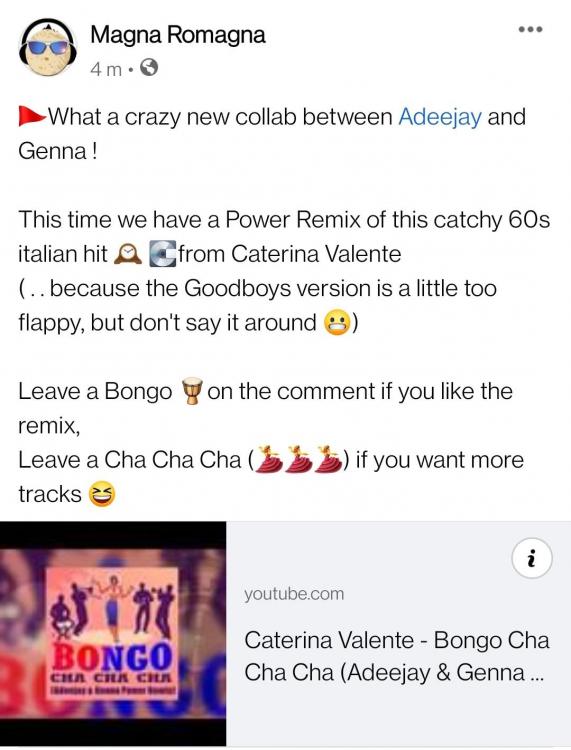 Genna and Tomma had the idea to do a dj set on a pedal boat. And here are the results, a great 90's on a pedal boat, right in front of the beach from Cesenatico... Watch, listen and enjoy the video with spectacular drone views! 🌅Nice remix!Not sure if this will be the next Lento Violento release... But a new upload has taken place!Out now on all digital platforms....... Spotify: Apple music: https://music.apple.com/us/album/lentonauta-2-mondo-dag-experience/1579054004 #mondodagFull album... Guess tomorrow also on the digital platforms...My sweet lord, just found out the following tracks are also included...see description of the tracks and also the capital letters used for artist name! And based on the "Capital letter theory" maybe also Edit, after some digging we can add alsoWhat a release, cant wait to listen it with a proper headphone. Also noticed Gigi Noise Maker, didn't see that earlier, might there be some tracks from that alias aswell? Small sugestion on that one..... We will see, would be nice if he will put a bit stronger Lento will be put onto the album aswell 😃Great Great news! A new Lento Violento album. Also the subtitle makes me curious... Mondo Dag experience..... I have a little bit of hope that stella Danzante, and rotation will be put ons this album(?)Su Le mani!!!!Luca Noise has released an EP under his new alias "Noetica Trip) Interesting release with nice spacey tracks on it 🧑🚀✈️My journey without limits...where I let myself go... ... Where the instinct takes over... Where the "sixt sense" lead me... ... #noeticatrip #lucanoise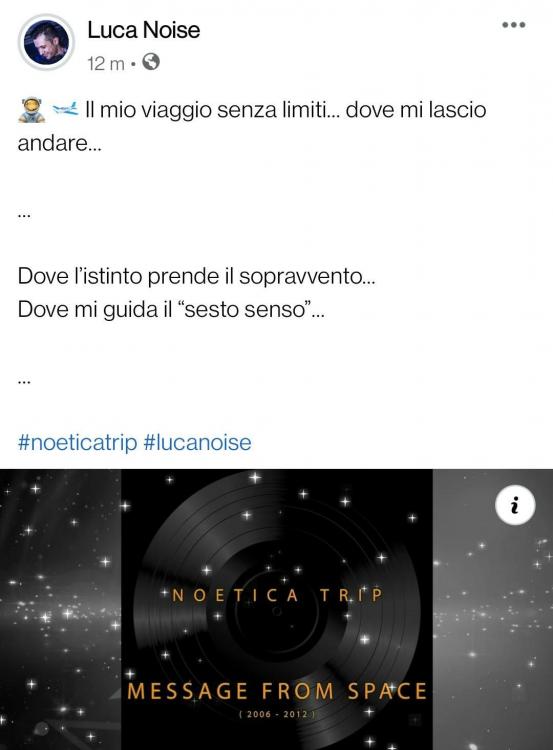





Account
Navigation
Suche
Konfiguriere Browser-Push-Benachrichtigungen
Chrome (Android)
- Tap the lock icon next to the address bar.
- Tap Permissions → Notifications.
- Adjust your preference.
Chrome (Desktop)
- Click the padlock icon in the address bar.
- Select Site settings.
- Find Notifications and adjust your preference.
Safari (iOS 16.4+)
- Ensure the site is installed via Add to Home Screen.
- Open Settings App → Notifications.
- Find your app name and adjust your preference.
Safari (macOS)
- Go to Safari → Preferences.
- Click the Websites tab.
- Select Notifications in the sidebar.
- Find this website and adjust your preference.
Edge (Android)
- Tap the lock icon next to the address bar.
- Tap Permissions.
- Find Notifications and adjust your preference.
Edge (Desktop)
- Click the padlock icon in the address bar.
- Click Permissions for this site.
- Find Notifications and adjust your preference.
Firefox (Android)
- Go to Settings → Site permissions.
- Tap Notifications.
- Find this site in the list and adjust your preference.
Firefox (Desktop)
- Open Firefox Settings.
- Search for Notifications.
- Find this site in the list and adjust your preference.