




Rangliste
-
Erdbeer Wolf
Mitglieder1Punkte1.430Gesamte Inhalte -
intro111
Moderatoren1Punkte6.286Gesamte Inhalte -
csp
Mitglieder1Punkte2.680Gesamte Inhalte -
Yunsung
Mitglieder1Punkte1.160Gesamte Inhalte




Beliebte Inhalte
Inhalte mit der höchsten Reputation am 19.11.2019 in allen Bereichen anzeigen
-
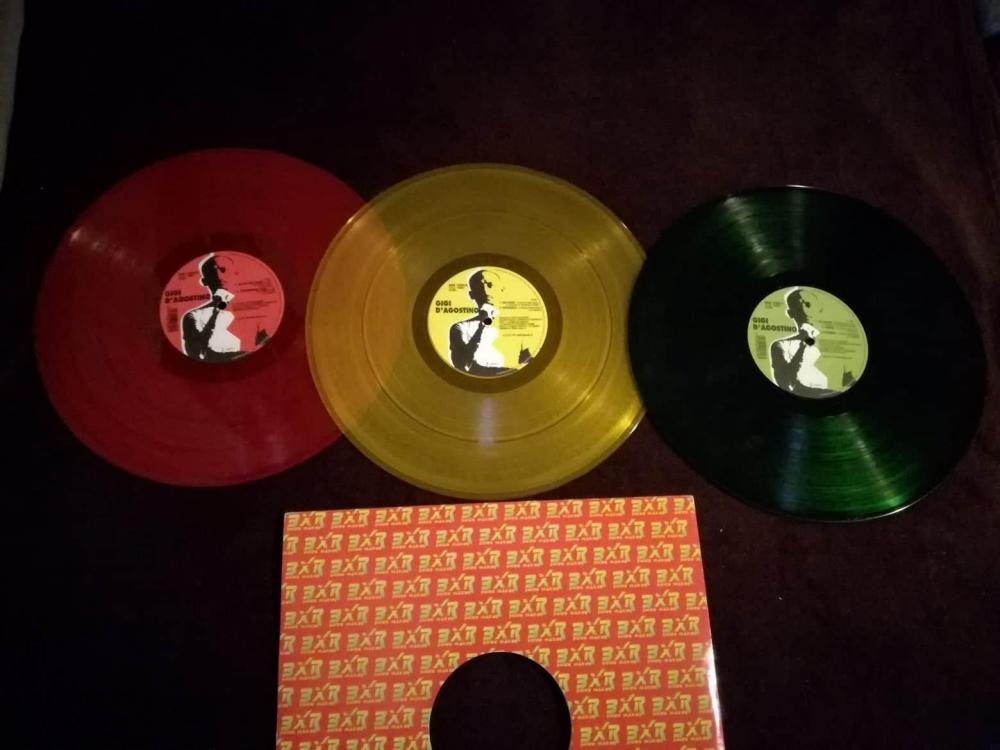
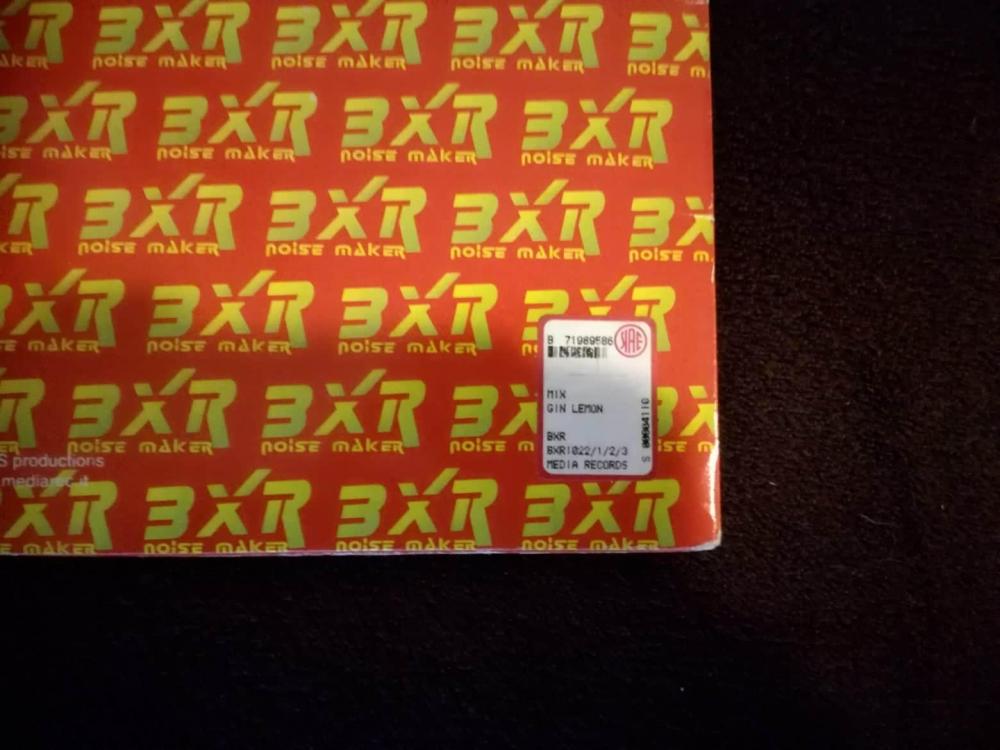
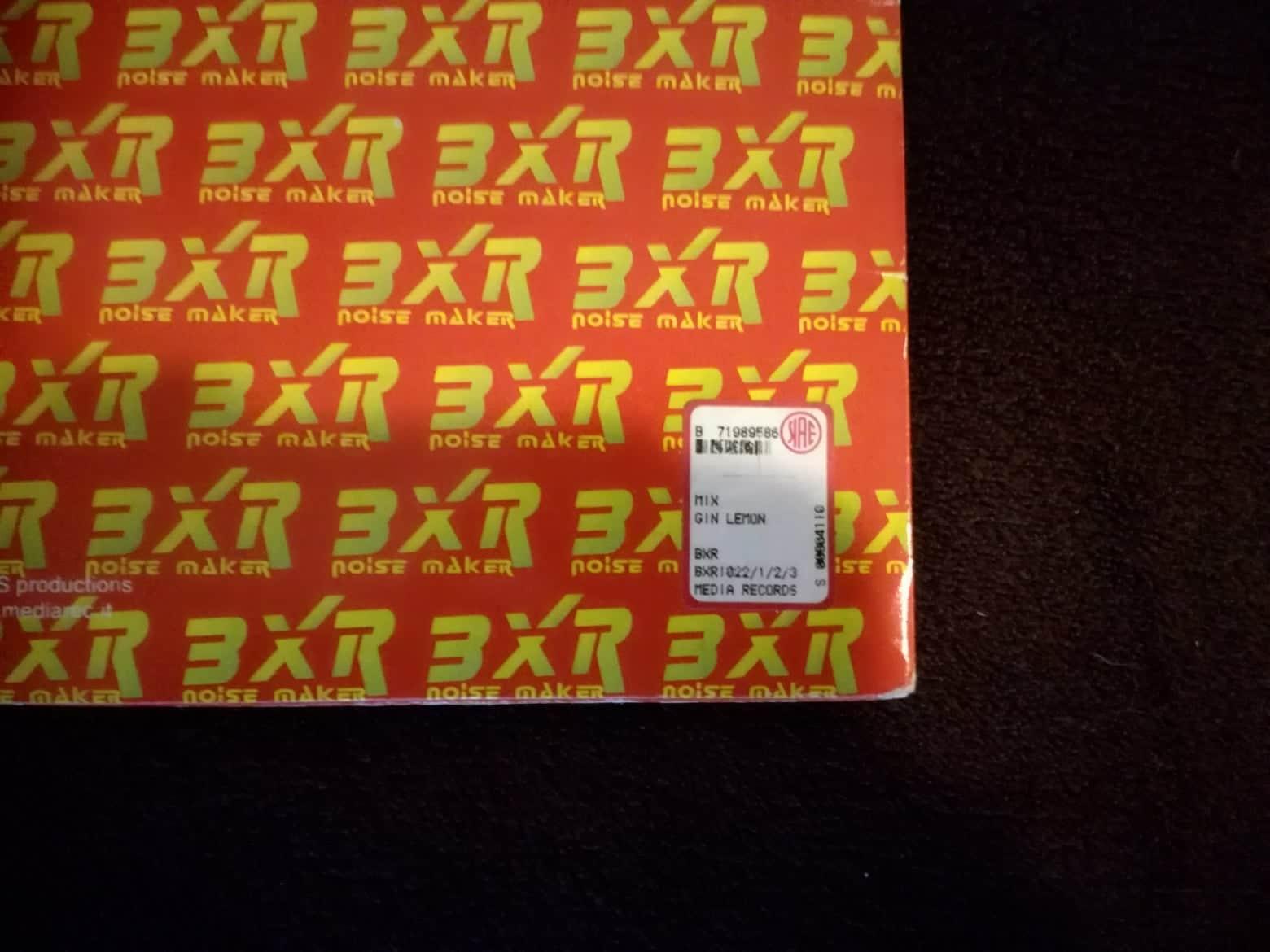
Hallo liebe GFU'ler! Dieses Jahr ist es wieder soweit, ein neues Weihnachts-Gewinnspiel ist am Start!!! Und was kann man dieses Mal gewinnen? Die Gin Lemon E.P. (coloured Vinyls) Macht sich schön an der Wand und natürlich wer die Platten abspielen kann, kommt hier voll auf seine Kosten! Darüber hinaus auch eine gute Wertanlage 😉 (Auf Discogs so bei EUR 50,- ohne Versand) (Der Zustand ist gut, einige Gebrauchtspuren sind aber erkennbar) (Condition = very good, some marks are visible) Ich werde auch wieder ein Auslosungsvideo erstellen 🙂 Also, einfach euren Namen in euren Post dazuschreiben - wie beim letzten Mal. (just write your name at your post and increase the list) (like here: https://www.gfu-community.de/topic/29296-gfu-weihnachts-gewinnspiel/?tab=comments#comment-635971 ) DEATHLINE: 01.12.2019 (bis 23:59) Und als Weihnachtsbonus, übernehme ich auch den Versand! (as a christmas-bonus, I'll take the shipping costs.) Viel Spaß und viel Glück!!
 1 Punkt
 -
Zumindest das Youtube-Video ist wieder verfügbar, mal sehen ob die Shops und Spotify bald nachziehen... Edit: Gerade gesehen dass das bereits schon länger der Fall ist, kann also gelöscht werden1 Punkt

Diese Rangliste nutzt Berlin/GMT+02:00 als Grundlage