




Rangliste
-
Diamond
Mitglieder2Punkte3.668Gesamte Inhalte -
Brian
Premium-Mitglieder2Punkte3.048Gesamte Inhalte -

Sottosopra
Administratoren1Punkte5.828Gesamte Inhalte -
henk_jan
Mitglieder1Punkte1.102Gesamte Inhalte



Beliebte Inhalte
Inhalte mit der höchsten Reputation am 26.02.2026 in allen Bereichen anzeigen
-
Viel Vergnügen! Habt viel Spass!2 Punkte
-
1 PunktNoch 40 Minuten 🙂
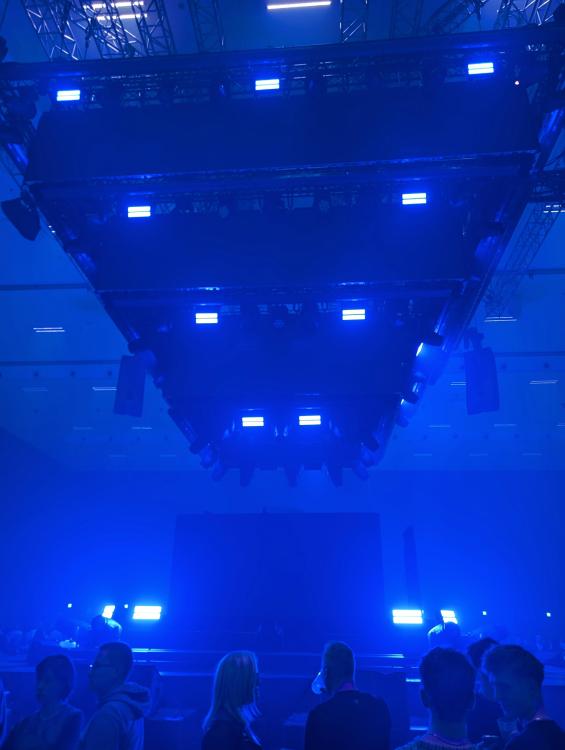 1 PunktBig day today, first 360° show and the start of the Austria tour! Wish you a lot of fun, enjoy and don't hesitate to share some videos with us😇1 PunktViel Spaß an alle, die heute und Freitag schon dabei sind und berichten nicht vergessen! 😄 Ich gebe dann für meinen Besuch am Samstag noch meinen Senf hinzu! 😉1 PunktDiese Rangliste nutzt Berlin/GMT+01:00 als Grundlage