




Rangliste
-
hlennarz
Moderatoren2Punkte3.437Gesamte Inhalte -
DJ Maldestra
Moderatoren2Punkte1.051Gesamte Inhalte -

Sottosopra
Administratoren1Punkte5.819Gesamte Inhalte -
Brian
Premium-Mitglieder1Punkte3.045Gesamte Inhalte




Beliebte Inhalte
Inhalte mit der höchsten Reputation am 01.03.2019 in allen Bereichen anzeigen
-
2 PunkteIt has been released! Awesome, awesome tracklist!! Defintely the best digital only release yet 🙂 https://play.google.com/store/music/album/Lento_Violento_Lentonauta?id=Beyofgy7idha3pavnlybpmna55q&fbclid=IwAR1J2TvsDAV0ytT3o-YGxihyfRntX2_xIIA_DiaYDpZP4UB3H0fJNl7sXYE2 Punkte
-
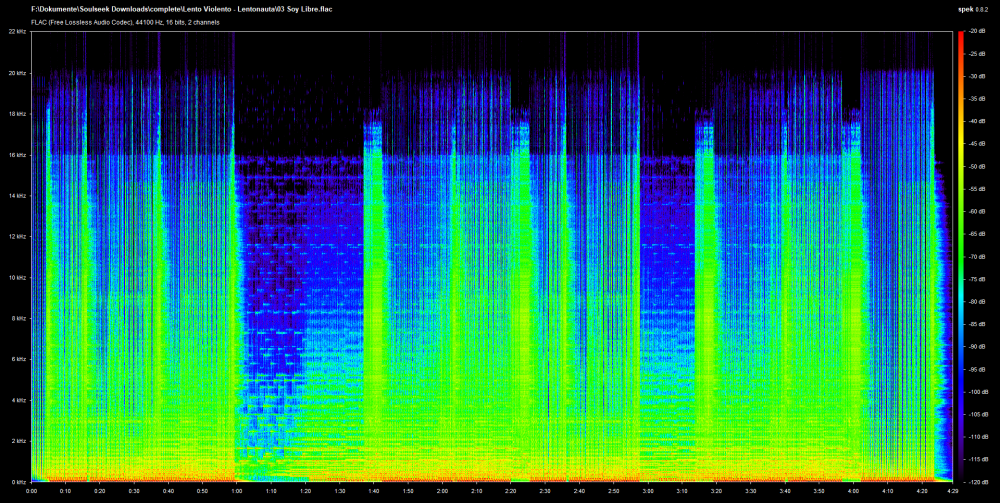
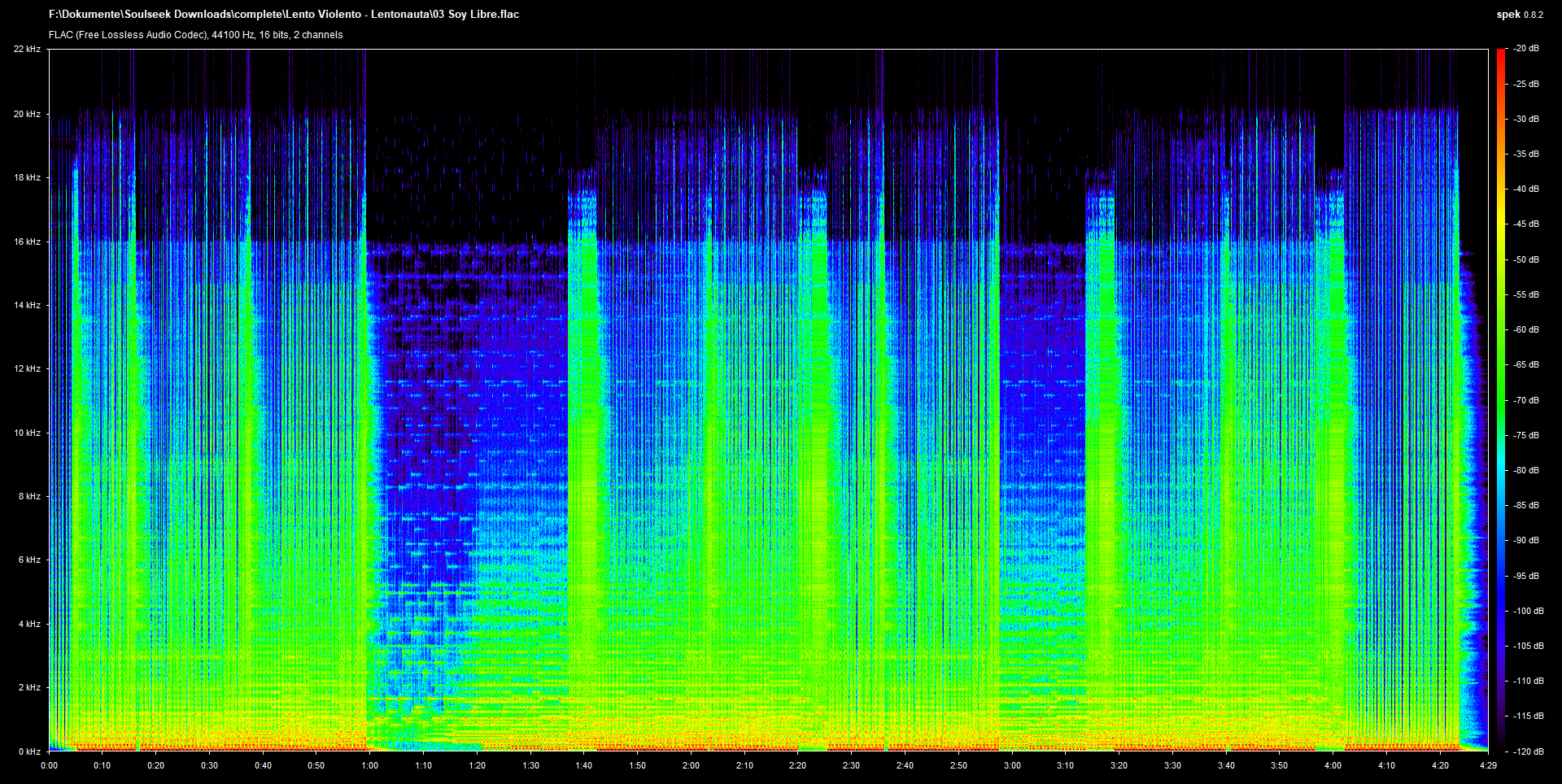
1 Punkt"Soy Libre" , "Vivo Per Ley" , "Corde Percosse (Progressive Mix)" & "La Tonta" wurden diesmal leider von mp3 gemastert... (siehe Spoiler) Der Rest der Tracks ist ok Leider sind die Tracks wieder sehr, sehr Laut abgemischt. Bei den puren Lento Tracks ist das nicht ganz so schlimm, aber gerade die melodischen Stücke leiden darunter. 1-2dB dürfte Gigi seinen Limiter gerne runterdrehen. 😞 Ansonsten ein grundauf solides Release, wobei ich gestehen muss, dass mich kein Track so richtig vom Hocker reißt. Mein persönliches Highlight: Revival X
 1 Punkt
 -
1 PunktMega! Das Warten hat sich definitiv gelohnt...Gigi macht die beste Astronautenmucke aller Zeiten😍1 Punkt
-
1 PunktAuf ebay.it ist gerade ein Flyer zu Elisir mit Unterschrift von Gigi zu finden. Recht günstig zu haben: https://www.ebay.it/itm/Firma-Autografo-Signature-Gigi-D-Agostino-Custodito-in-vetro-per-20-anni/132924432034?hash=item1ef2e9dea2:g:Pt0AAOSwIGxb4tIB1 Punkt
-
1 PunktThis is fucking awesome!! One of the best release of last time! Also El Dia, formely known as Steps to haven...did not expect that one to be released!1 Punkt
-
1 PunktIch fühl mich grad nach 2007 zurückversetzt... es werden wieder Mondello-Tracks 1:1 draufgepackt (Vivo Per Lei)! 😆1 Punkt

Diese Rangliste nutzt Berlin/GMT+02:00 als Grundlage