




Rangliste




Beliebte Inhalte
Inhalte mit der höchsten Reputation am 01.02.2021 in allen Bereichen anzeigen
-
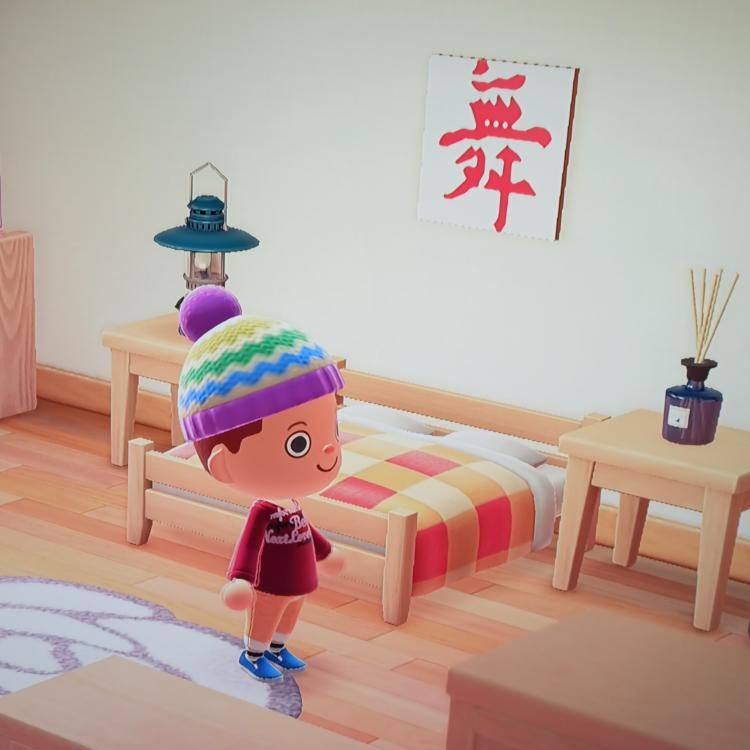
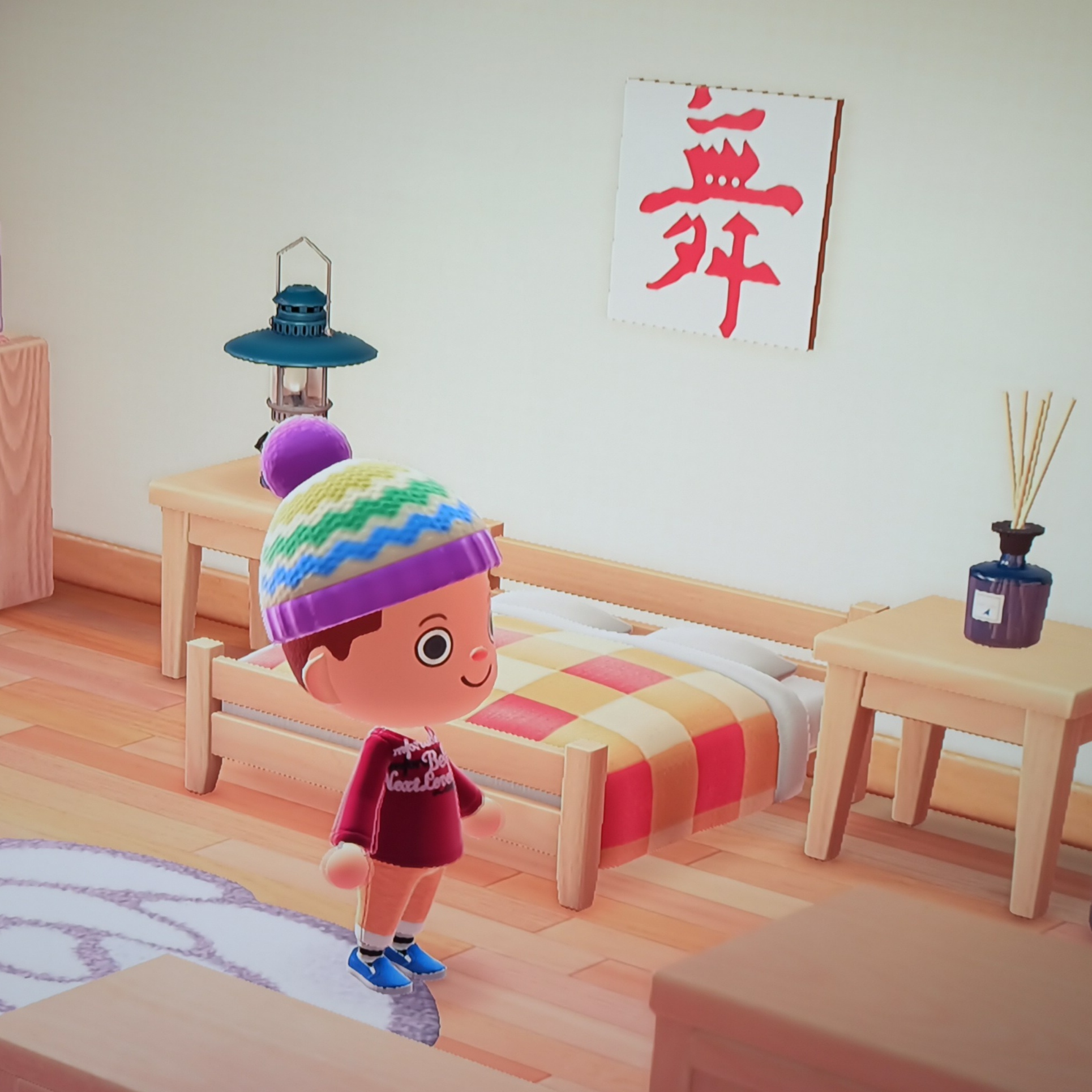
3 Punkte2 Punkte2 PunkteDer "Ferro Fetente" Remix u.a aus dem Dolce Vita 2011 und aus dem kurzen Video von 2019 "Gigi d' Agostino Lab...cose cosi"... der geht richtig ab! Neben der "You will shine" Version von gestern einer meiner Wunschkandidaten... genial dass die jetzt so kurz hintereinander kommen. Für mich wieder mal Qualitativ hochwertiges Material vom Gi- schön treibend, hart und für mich eine schöne, abwechslungsreiche Alternative zum Original. Geiler Song- starkes Teil! Danke Gigi🤗1 Punkt1 Punkt1 Punkt1 Punkt1 PunktSpiele zur Zeit Animal Crossing: New Horizon ... Macht total süchtig ...
 1 PunktDiese Rangliste nutzt Berlin/GMT+02:00 als Grundlage

Account
Navigation
Suche
Konfiguriere Browser-Push-Benachrichtigungen
Chrome (Android)
- Tap the lock icon next to the address bar.
- Tap Permissions → Notifications.
- Adjust your preference.
Chrome (Desktop)
- Click the padlock icon in the address bar.
- Select Site settings.
- Find Notifications and adjust your preference.
Safari (iOS 16.4+)
- Ensure the site is installed via Add to Home Screen.
- Open Settings App → Notifications.
- Find your app name and adjust your preference.
Safari (macOS)
- Go to Safari → Preferences.
- Click the Websites tab.
- Select Notifications in the sidebar.
- Find this website and adjust your preference.
Edge (Android)
- Tap the lock icon next to the address bar.
- Tap Permissions.
- Find Notifications and adjust your preference.
Edge (Desktop)
- Click the padlock icon in the address bar.
- Click Permissions for this site.
- Find Notifications and adjust your preference.
Firefox (Android)
- Go to Settings → Site permissions.
- Tap Notifications.
- Find this site in the list and adjust your preference.
Firefox (Desktop)
- Open Firefox Settings.
- Search for Notifications.
- Find this site in the list and adjust your preference.